One Search Box, Many Systems (WOLFcon 2026 Prague)
On Wednesday, Septemerb 2, 2026, I gave a talk with Alexis Antracoli, Lara Zielin, and Brandon Pence at WOLFcon 2026 in Prague, Czech Republic.
One Search Box Sounds Simple

Alexis just talked about how the idea of “one search box” became more complicated than our original plan of bringing together finding aids and catalog records. My job is to explain why. Because once you ask, “What should one search box search?”–say, for “wolf” in honor of WOLFcon–the answer is: a lot.
Inventory of Systems

So, it was a long flight, and on the way over, I counted. At the Bentley, we use no fewer than eight access systems. Eight. I’ll show them to you.
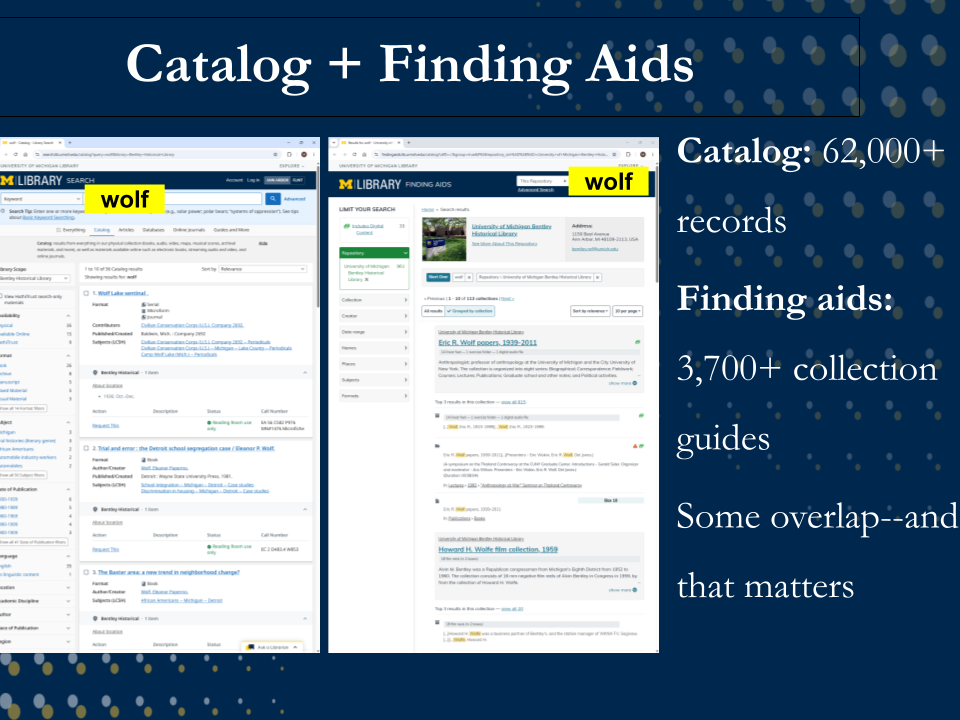
To start, we have a library catalog, managed in Alma, with more than 62,000 Bentley records. We also have more than 3,700 finding aids in ArcLight. Finding aids, for the uninitiated, are like collection guides–kind of like tables of contents for archival collections.
(And yes, there’s a bit of overlap between the catalog and the finding aids, and that matters, but hold that thought.)
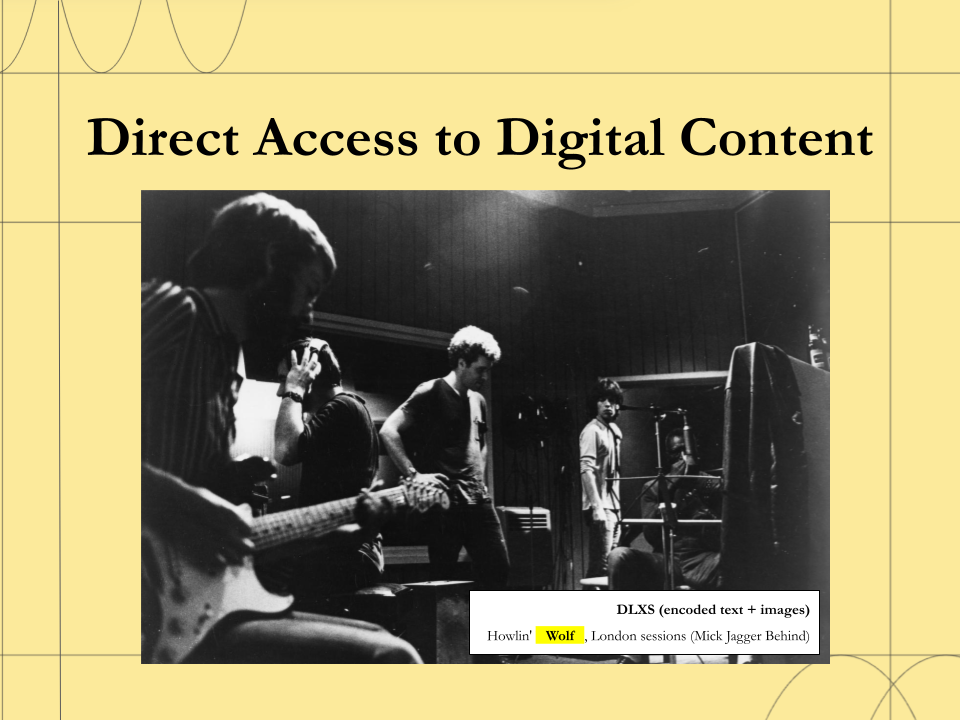
Then we have systems that provide direct access to digital content. For example, we use the locally developed U-M Library Digital Library eXtension Service, or DLXS, for some digitized content. It has two separate search environments: Text Class for encoded text (not shown here) and Image Class for digital image collections.
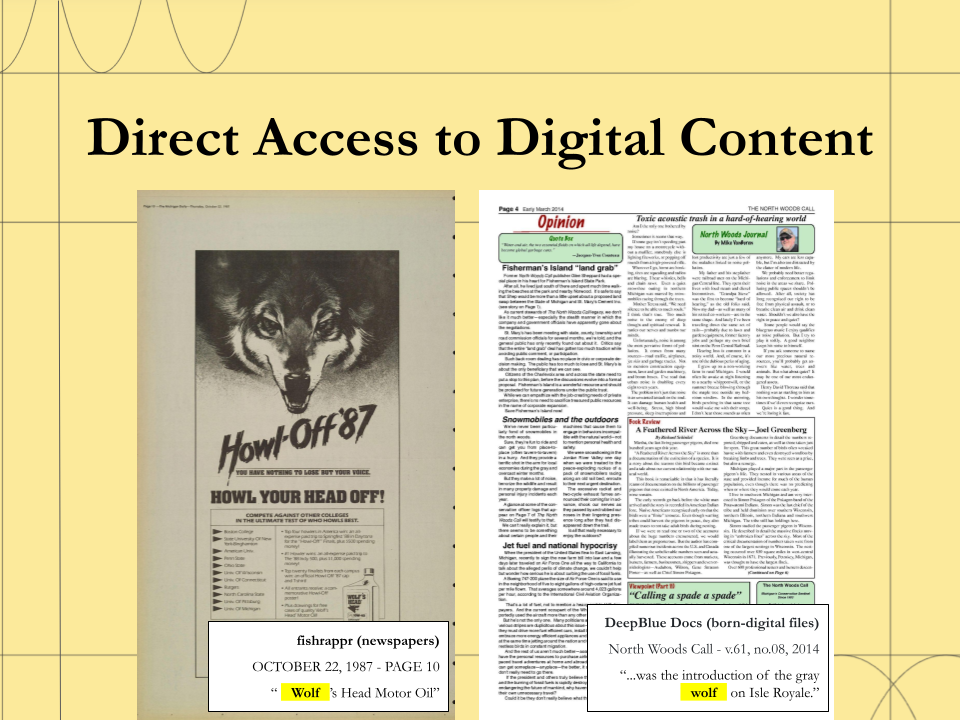
Fishrappr–another locally developed U-M Library access system–is for digital newspapers. We also use Deep Blue Docs, a U-M Library service that runs on DSpace, for born-digital archival materials like documents, email, images, datasets, and other files that do not fit neatly into a traditional publication repository.
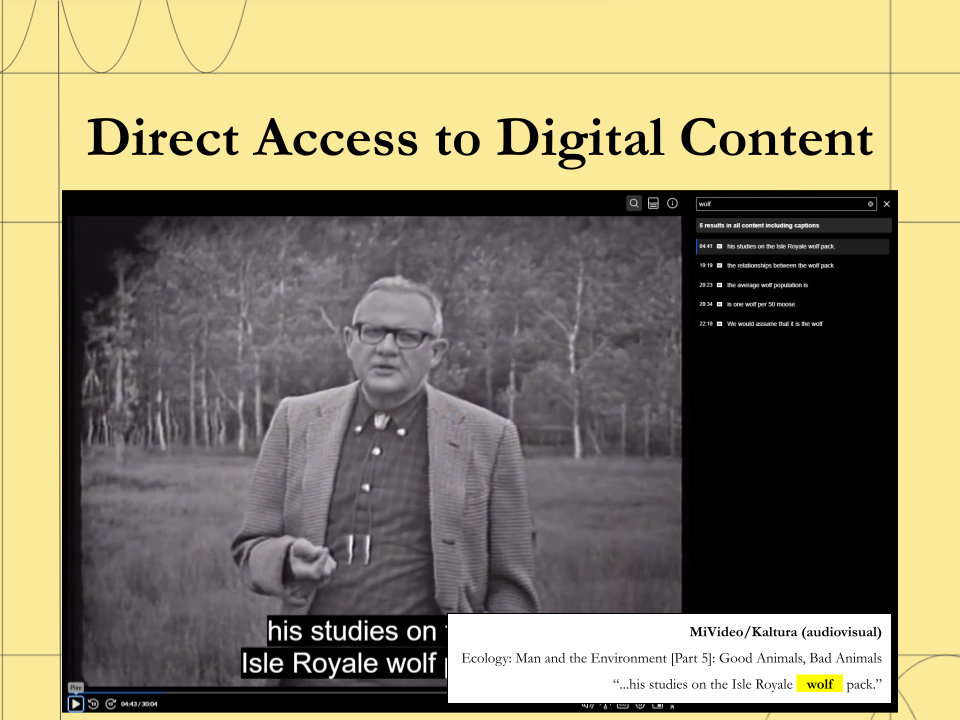
For digitized A/V materials–and we have a lot of those–we use U-M’s enterprise-wide cloud-based streaming media service, MiVideo, which runs on Kaltura.

And finally, for web archives we use Archive-It.
So, yeah. Eight. That’s a lot! And really, this is only the easy-to-count stuff. We also have a number of homegrown databasese and tools still attached to the website, so the real number is more than eight.
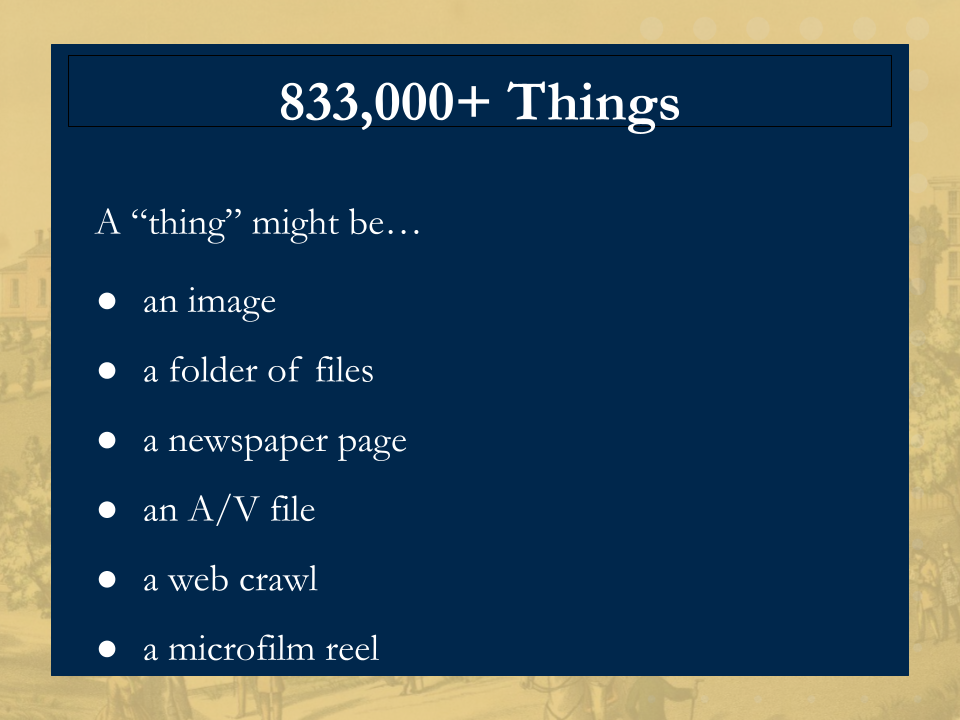
Now, these eight plus access systems provide access to more than 833,000 things. That’s also a lot! I feel like we punch above our weight when it comes to digital archiving…
(BTW, I am using “things” here intentionally: one “thing” might be a single image, a folder of office documents, a newspaper page, a streaming A/V file, a web crawl, or an entire microfilm reel.)
And here is an important detail…

…The Bentley controls exactly zero of these access systems. They are managed by U-M Library, central campus IT, or external vendors. It’s exactly what the keynote was about yesterday. We contribute content and metadata, and make them work for archival access, but we do not control their functionality, development priorities, or technical direction (even though we work closely with the groups that do).
Why the Systems Exist
So the obvious question is: why? Why so many access systems? And why not just put everything in one place… preferably one that we control?
The easy answer is that archives are complex. We have all kinds of formats–paper records, digitized text and images, newspapers, A/V materials, web archives, and born-digital archives–and we’ve collected them for almost 100 years, so there’s been a lot of accumulation. No single system can describe, render, stream, or otherwise provide access to all of those formats, at scale, equally well. There’s also staffing and resourcing issues. And because we cannot build and maintain all the specialized systems we need ourselves, we rely on services operated by partners across the library, university, and vendor community.
But the fuller answer is not just technical…
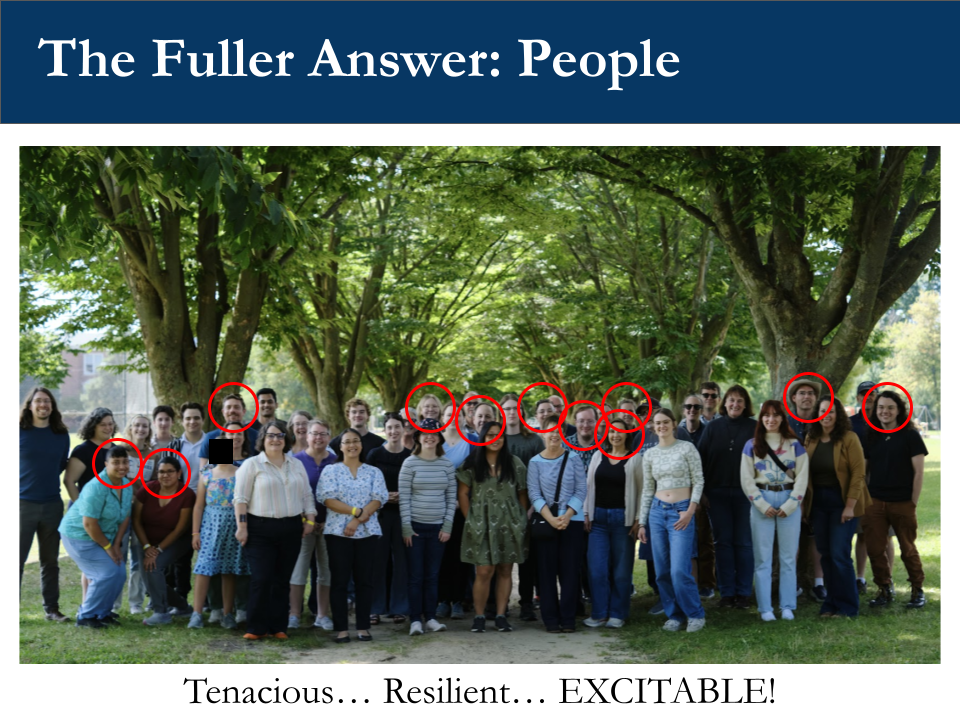
…It is also cultural. The real reason we have so many access systems is these folks: the people who work at the Bentley. This is a photo of us, “in the wild.” (Actually, this is a staff picnic, and nothing particularly “wild” was going on.)
And these, these are our “digital” people. And I know we may not look the part, but! We are a tenacious and resilient bunch. Some might even call us “excitable.” We are on a mission “to build, preserve, and make accessible a record that reflects the unique and complex history of the state [of Michigan] and [the] University of Michigan,” and when we see a way to make those records more accessible, we jump.
- We were very early archival adopters of DLXS, for example, a platform first built in 1996–which, in web years, is practically ancient. By 1999, when many archives were understandably cautious about putting material online, we were already experimenting with it, and we’ve never looked back.
- We are also pragmatic. DSpace, for example, was not designed for born-digital archival materials–especially the wierd stuff like source code, databases, and email, and it may not have the ideal user experience. But it lets us provide online access, assign permanent identifiers, and enforce access restrictions. For us, that’s what matters.
- Finally, we’re flexible about where solutions come from. If the library doesn’t offer something, we use campus IT or an external vendor. Are these systems always designed with libraries and archives in mind? No. Do we get to determine their technical roadmaps? Also no. But we work closely with the people who manage them and adapt our practices as best we can.
The upside of this arrangement is that it allows us to provide access to digital materials that we simply couldn’t on our own. The downside is that it also means that each access system has its own interface, terminology, metadata model, and search behavior.
Users experience the Bentley as one institution; but our content does not live that way.
Why That Creates a User Problem
The main problem is not that all of these systems exist. It is that users have to know about them too early in their search process in an environment where even our own reference staff can’t always keep the full landscape of digital collections in their heads.
So, we know from analytics that people are finding parts of what we have, especially through search engines. But discovery by accident is not the same as a designed path in. A user might land on one useful item and still have no idea what else we have, how it is organized, or where to look next.
Ideally, we want the opposite: we want users to see the range of what is available without first–or really ever–having to understand our internal systems.
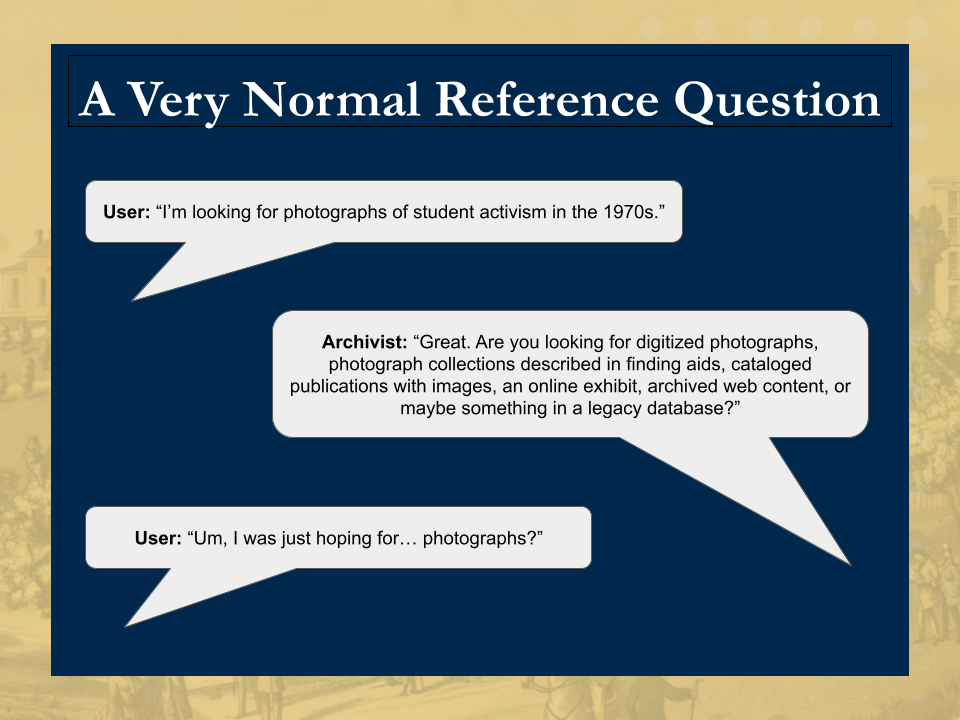
To illustrate, a lot of our users come to us with what sounds like a simple question: “Do you have anything about this person, event, organization, or topic?”
And from the user’s point of view, that is a simple and completely reasonable question. But behind the scenes, the reference conversation can very quickly become something like this:
User: I’m looking for photographs of student activism in the 1970s.
Archivist: Great. Are you looking for digitized photographs, photograph collections described in finding aids, cataloged publications with images, an online exhibit, archived web content, or maybe something in a legacy database?
User: I was just hoping for… photographs?
And this is the best-case scenario, because in this version, there is an archivist there to translate. More often, though, people interact with our systems remotely. Even experienced researchers can struggle to understand how results from one system relate to another. Novice users may bounce between sites, lose context, and give up.
That gap between the user’s mental model and our internal systems is one of the main things we were trying to address.
What We’ve Tried
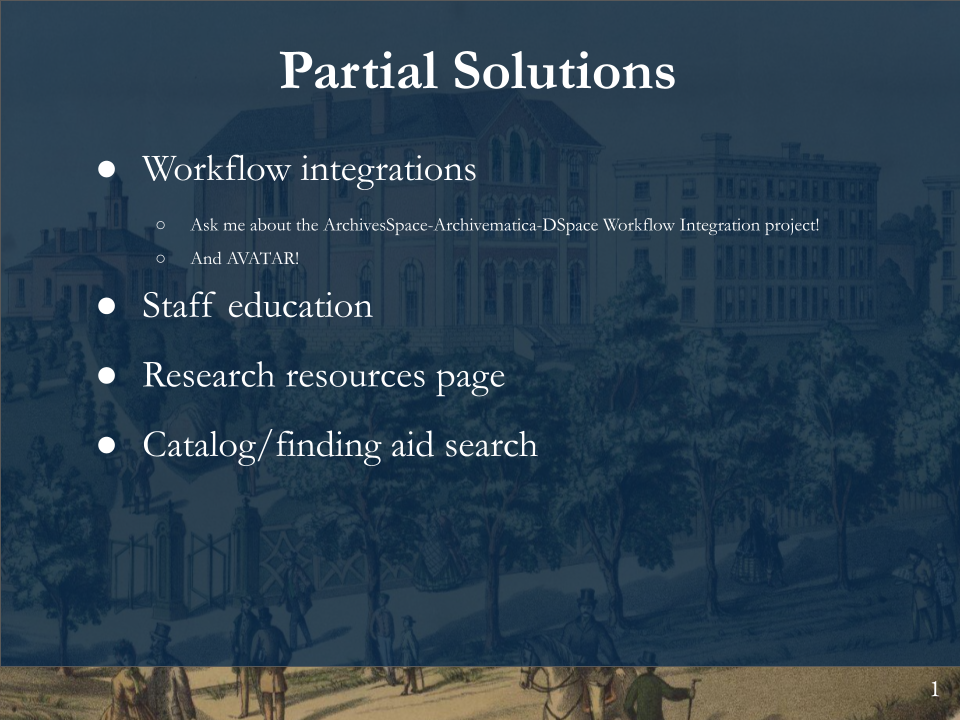
Before unified search, we tried several partial solutions. We’ve done some grant projects, and we have some technical capacity in-house, so we’ve implemented workflows, for example, to update catalog records and finding aids when digital content goes online. For some “streams” of digital content, this process is automatic, and that’s great. For others, though–and for very good reasons!–we’re either years behind or there is no update process at all.
We’ve also tried just telling people these access systems exist through internal staff education and website redesign.
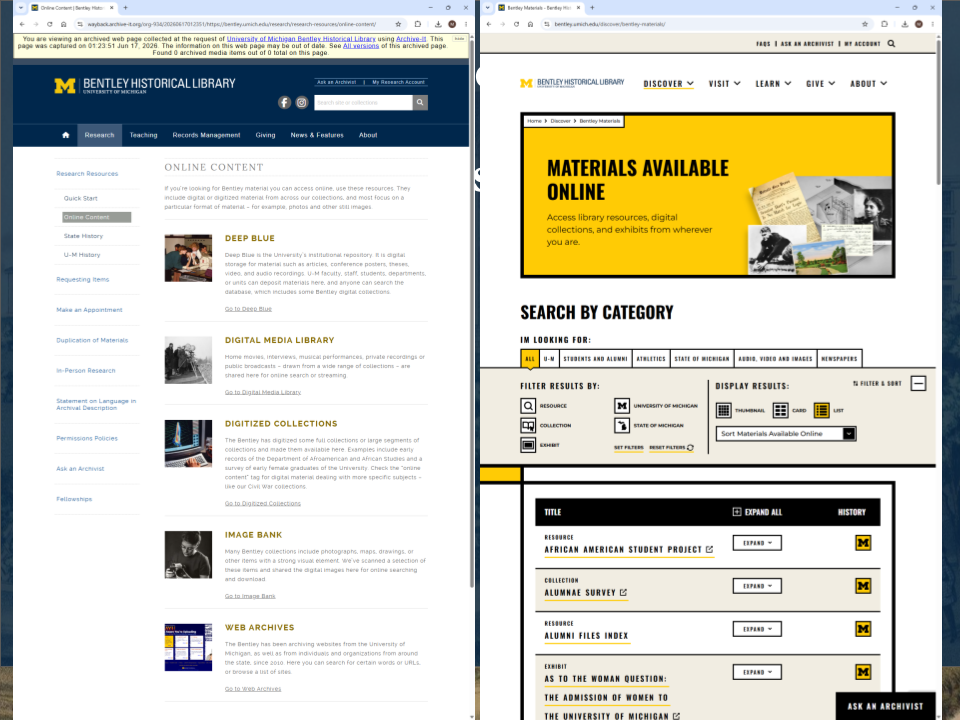
On the left is our first attempt at the latter. On the right is the more sophisticated version we’re using now, created with the help of Studio Pence after years of working together to map this landscape. The goal was to show novice users the range of what we have, all at once–this was almost exactly what we heard in user testing–and then let them filter and sort categories of content based on their research interests.

And, yes, we do have a search right now. It is… fine. Definitely better than what we had.
It lets users search the catalog or the finding aids. It is an improvement over our older site, which only searched the catalog. But it still asks users to make a systems-based choice before they know what kind of material they need, or which system is most likely to contain it, and in any case, there not going to find everything there.
Unified Search as the Next Step
But, as I said, we are a tenacious, resilient, and excitable bunch. We had even bigger dreams: a single, unified search box that retrieves results across multiple archival access systems within our newly redesigned site.
Our hope is that this broader search will help novice users avoid missing relevant information simply because they did not know which of our many systems they were supposed to search. We can’t make all of that complexity disappear. But we can stop asking users to navigate it on their own.
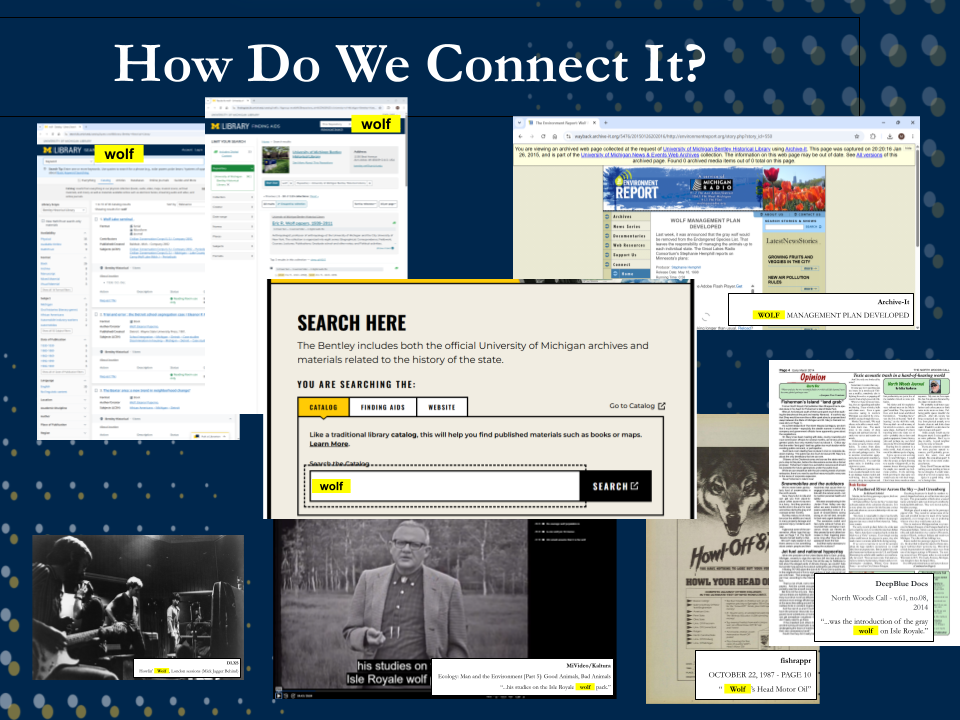
Of course, saying “single unified search” is much easier than building one. [CLICK] Because once you have eight-plus access systems that you do not control–each with different technical capabilities, metadata models, and definitions of an “item”–the question then becomes: how do you actually connect all of that?
Brandon Explains the Technical Implementation
And this is where I’ll hand it over to Brandon, who will show how we move from this conceptual solution to the technical work of making it happen…
Categories: talks